Mobile
Specific configuration for mobile mode.

| Name | Type | Default | Description |
|---|---|---|---|
mode |
docked | floating |
docked |
Choose visualization mode on mobile devices. docked for default experience, floating for desktop-like visualization |
show_labels |
boolean | popup_only | routes_only |
false |
Whether or not to display labels under each route |
show_popup_label_backgrounds |
boolean | false |
Whether or not to display label backgrounds for popup items |
safe_area |
boolean | false |
Adds space below the navbar so it doesn't overlap the phone's gesture or navigation bar |
hidden |
boolean | JSTemplate | false |
Set to true to hide the navbar on mobile devices |
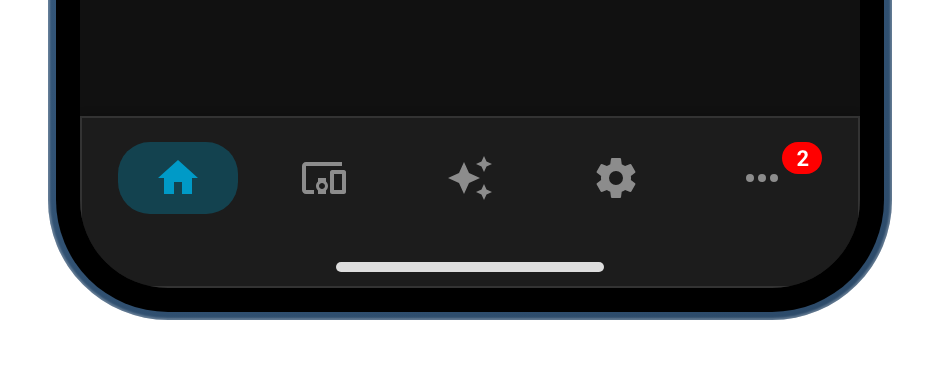
Example of mode docked (left) and floating (right)


Example of show_labels off and on


Example of show_popup_label_backgrounds off and on

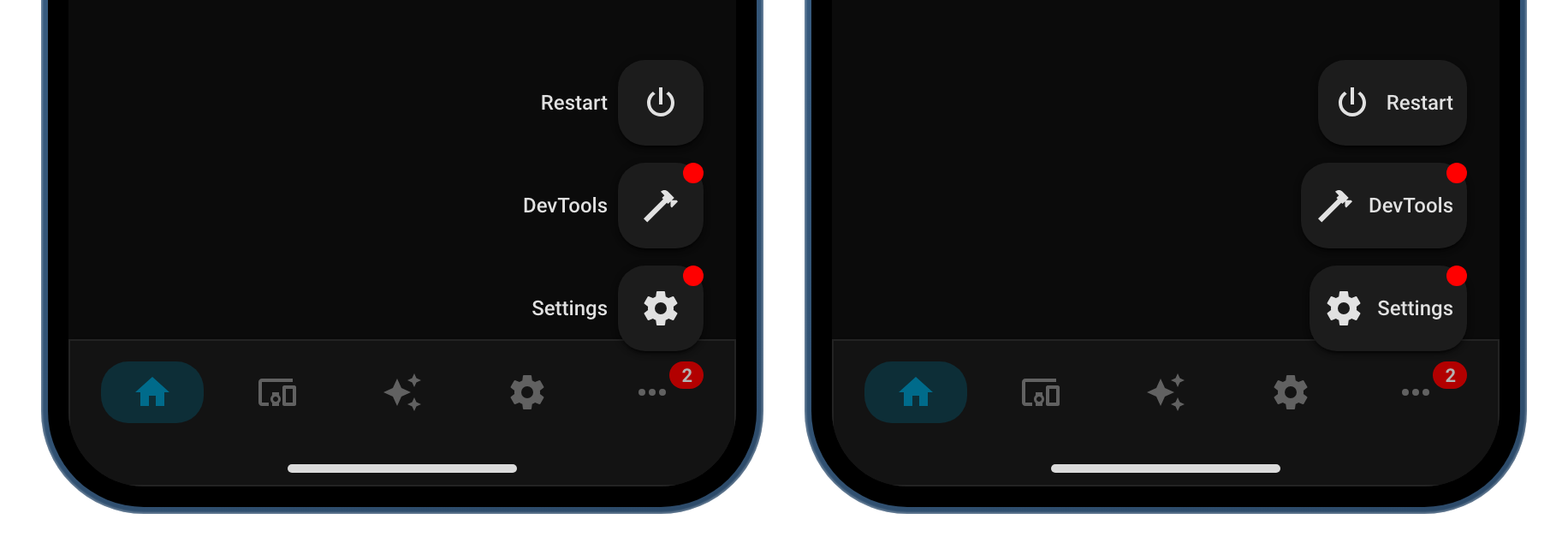
Example of safe_area off (left) and on (right)
Sometimes Navbar Card collides with the native gesture bar on Android/iOS. Enable mobile.safe_area: true to give a little more breathing room.

