Navbar Card
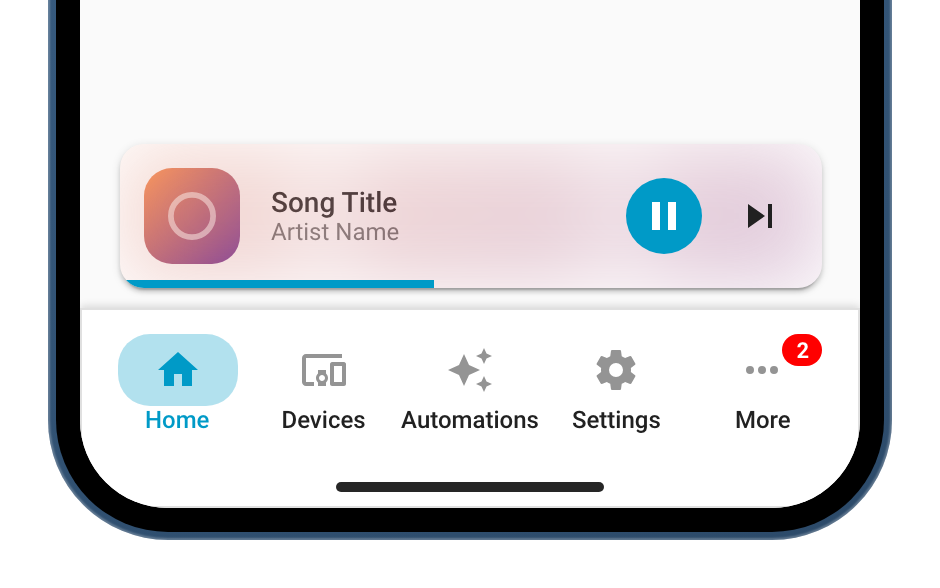
navbar-card is a custom Lovelace card that adds a navigation bar to your Home Assistant dashboards.
Inspired by Adaptive Mushroom and Material Design. Minimal, responsive, and easy to configure.
Why Navbar Card?
-
Unified navigation
Across all your dashboards, with popups and badges for each route.
-
Responsive layout
Automatically adapts to screen size, on desktop and mobile.
-
Reusable templates
Set up a navbar once and reuse it on all your dashboards.
-
Customizable actions
Tap, hold and double tap actions for every route and popup item.
-
Icons and styles
Colors, sizes and shapes through CSS variables and classes.
-
Media player
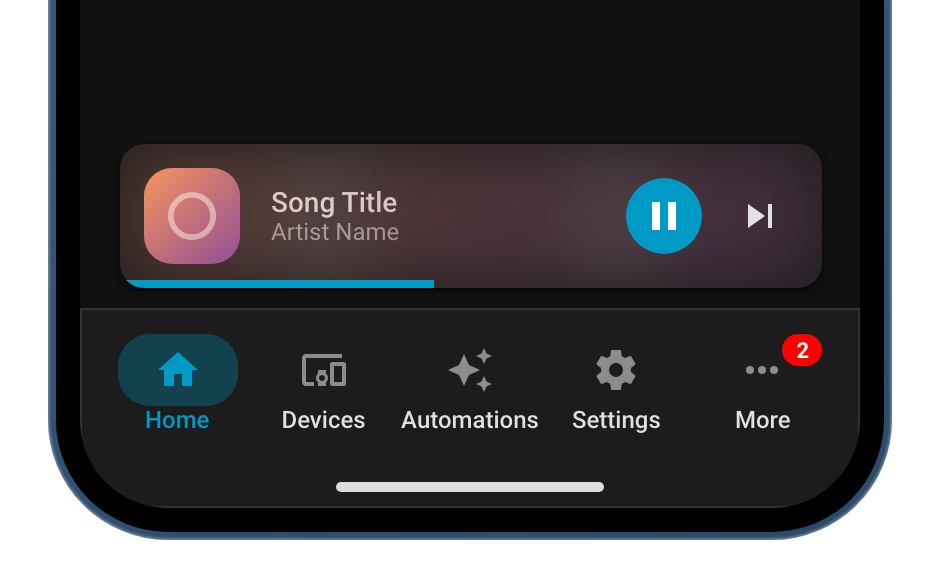
A media player widget above or alongside the navbar.
Quick start
Community
-
Community forum
Questions, ideas and showcases on the Home Assistant forum.
-
GitHub
Report bugs, request features or contribute.
-
Support
If you enjoy using Navbar Card, you can find ways to support the project here.